

Organize, Track, and Resolve – All in One Place
Streamline Customer Support with an Intelligent Ticketing System
A Customer Ticket System, also known as a helpdesk ticketing system or support ticket system, is a software platform that helps organizations manage, track, and resolve customer service requests or issues (called “tickets”) efficiently.
What Is a Ticket?
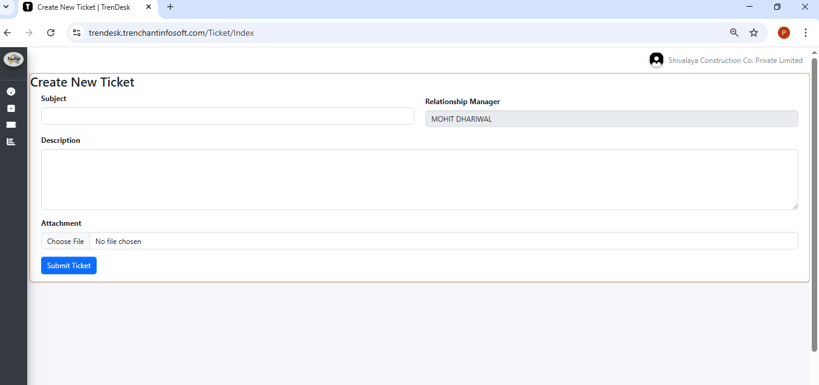
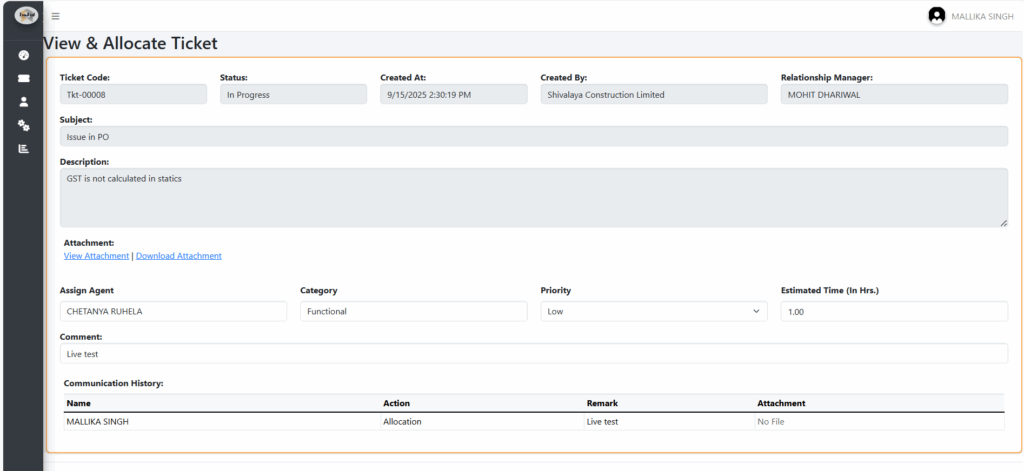
A ticket represents a single customer issue, query, or request. It typically contains:
- A unique ID
- Customer details
- Issue description
- Priority and status (e.g., Open, In Progress, Resolved)
- Internal notes or responses
- Attachments (if any)
Core Features of a Customer Ticket System
| Feature | Description |
|---|---|
| Ticket Creation | Automatically or manually log customer requests from email, web forms, chat, phone, or portals. |
| Ticket Routing & Assignment | Assign tickets to appropriate teams or agents based on category, priority, or load. |
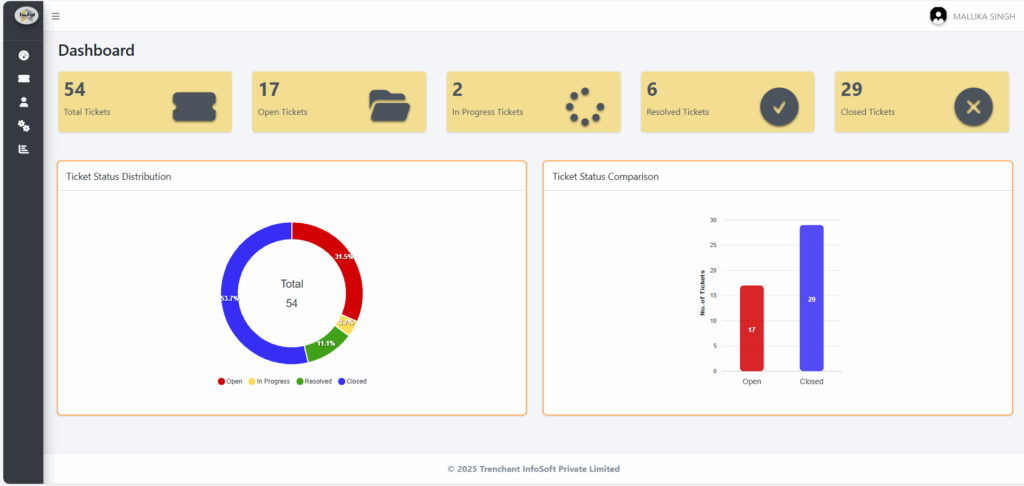
| Status Tracking | Monitor progress with status updates and SLAs (Service Level Agreements). |
| Communication History | Centralized view of all customer communication related to the ticket. |
| Knowledge Base Integration | Help agents share self-help articles or FAQs with customers. |
| Automation | Auto-responses, escalations, or reminders to ensure timely resolution. |
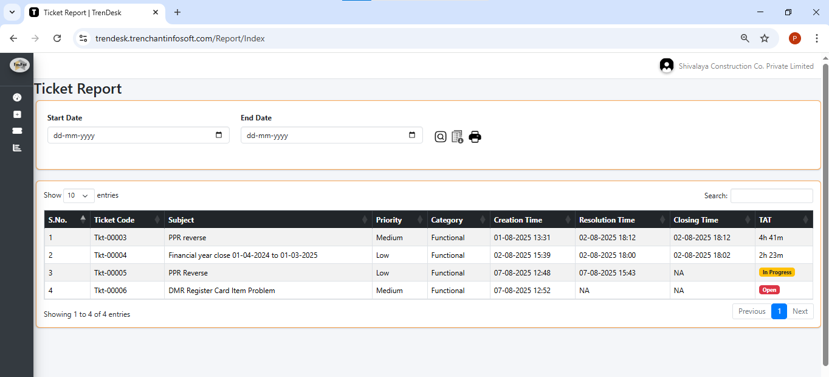
| Reports & Analytics | Insights into ticket volumes, response times, agent performance, and recurring issues. |
How It Benefits Corporates
1. Improved Customer Satisfaction
- Fast, organized responses boost customer confidence.
- Transparent tracking builds trust.
2. Centralized Communication
- All support channels (email, phone, web, chat, social media) funnel into one dashboard.
- Avoids duplication and missed follow-ups.
3. Accountability and Ownership
- Tickets are assigned to specific teams or agents.
- Ensures every issue has an owner and gets resolved.
4. Performance Monitoring
- Measure KPIs like first response time, resolution time, customer satisfaction.
- Identify top performers and training needs.
5. Scalability
- As your customer base grows, a ticketing system scales easily—unlike traditional email or manual tracking.
6. Internal Collaboration
- Support, Sales, Product, and Technical teams can collaborate on tickets through internal notes or escalations.
7. Better Decision Making
- Analytics highlight recurring issues and areas for process/product improvement.
8. Audit and Compliance
- All customer interactions are logged and can be retrieved for audits or dispute resolution.
Real-World Use Cases
| Industry | Use Case |
|---|---|
| IT Services | Track client-reported bugs or support requests. |
| E-commerce | Handle product returns, delivery delays, or refund queries. |
| Banking | Manage complaints, card issues, or fraud alerts. |
| Healthcare | Patient inquiries, appointment requests, or billing disputes. |
| Manufacturing | Service or warranty requests, order tracking. |